
How to Use the LTO Portal (2026): Registration, Login & Services
The LTO Portal, officially known as the Land Transportation Management System (LTMS), has made it easier for drivers and vehicle owners in the Philippines to manage LTO transactions online. Instead of spending hours waiting in line at an LTO branch, users can now access essential services such as driver’s license renewal, vehicle registration, violation checking, and online learning courses through a single digital platform.
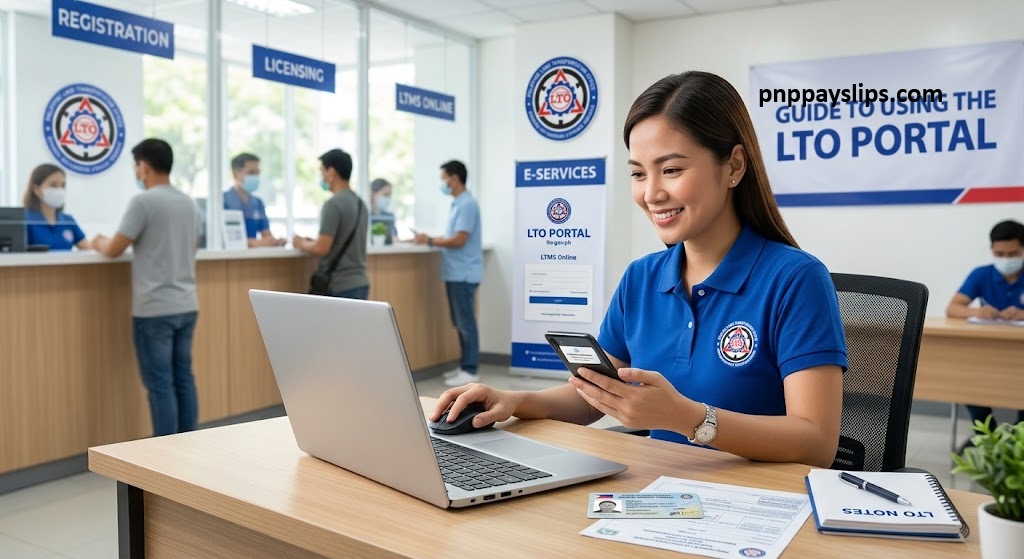
Whether you’re a first-time applicant or an existing license holder, understanding how to use the LTO Portal can save you time, reduce paperwork, and make your transactions more convenient.
Looking for more guides on Philippine government services and online portals? Visit https://pnppayslips.com/ for the latest information and step-by-step tutorials.
What Is the LTO Portal (LTMS)?
The Land Transportation Management System (LTMS) is the official online portal of the Philippine Land Transportation Office (LTO). It was launched to modernize government services by allowing motorists to complete various transactions online.
Through the LTMS portal, users can access their driving records, apply for services, monitor transaction status, make payments, and complete educational requirements from anywhere with an internet connection.
The platform is available 24/7 and can be accessed using a computer, smartphone, or tablet.
Why Use the LTO Portal?
Many motorists now prefer the LTMS portal because it simplifies the process of handling LTO-related requirements.
Some of the main reasons to use the portal include:
By using the portal, drivers can complete several steps online before visiting an LTO office, reducing unnecessary delays.
LTO Services Available on the LTMS Portal
The LTMS portal provides access to a wide range of services, including:
Driver’s License Services
- Driver’s license application
- Driver’s license renewal
- License replacement for lost or damaged licenses
- License classification upgrades
- Additional restriction code applications
- Foreign license conversion
Vehicle-Related Services
- Motor vehicle registration
- Vehicle record updates
- Access to registration documents
- Viewing official receipts
Violation and Record Management
- Check traffic violations
- View demerit points
- Monitor transaction history
- Request a Certificate of No Apprehension
Learning and Examination Services
- Driver’s License Renewal Course (DLRC)
- Comprehensive Driver’s Education (CDE) exam
- Driver education materials
- Road safety learning resources
Who Can Use the LTMS Portal?
The LTMS portal is available to various users, including:
- First-time driver’s license applicants
- Existing driver’s license holders
- Filipino citizens
- Foreign residents in the Philippines
- Vehicle owners
- Fleet operators
- Driving schools
- Medical clinics accredited by the LTO
- Business organizations requiring LTO services
Requirements for LTO Portal Registration
Before creating an LTMS account, prepare the following information.
Basic Requirements
- Stable internet connection
- Mobile phone, tablet, laptop, or desktop computer
- Active email address
- Valid mobile number
For Existing Driver’s License Holders
- Driver’s license number
- License expiry date
- Official receipt number (if required)
- Personal information and address
For Foreign Residents
- ACR (Alien Certificate of Registration) number
- ACR expiration date
- Nationality information
How to Register an LTMS Account
Creating an LTMS account is straightforward if you have the required information ready.
Step 1: Visit the LTMS Portal
Open the official LTMS website and click the registration option.
Step 2: Select Your Account Type
Choose whether you are registering as an individual, organization, or business entity.
Step 3: Enter Your Personal Information
Provide accurate details, including your name, contact information, and identification data.
Step 4: Verify Your Email Address
Check your inbox for the verification email and follow the instructions provided.
Step 5: Create a Secure Password
Choose a strong password that combines letters, numbers, and special characters.
Step 6: Log In to Your Account
After successful verification, sign in to access the available services.
Benefits of Using the LTO Portal
The LTMS portal offers several benefits that make LTO transactions more efficient.
Convenience and Time Savings
Users can manage transactions without repeatedly visiting LTO branches.
Easy Access to Records
Driver’s licenses, receipts, permits, and transaction records can be viewed anytime.
Faster Processing
Online submissions help reduce processing times and office congestion.
Violation Monitoring
Drivers can quickly check traffic violations and demerit points through their dashboard.
Cashless Payments
The portal supports online payments through approved payment channels.
Better Transaction Tracking
Real-time updates allow users to monitor the status of their applications and requests.
Important Reminders When Using the LTMS Portal
To avoid problems during your transaction, keep these reminders in mind:
Frequently Asked Questions
Yes. The portal is accessible 24/7, although temporary maintenance may occasionally affect availability.
Conclusion
The LTO Portal (LTMS) has significantly improved how drivers and vehicle owners manage LTO transactions in the Philippines. From driver’s license renewal and vehicle registration to checking violations and completing educational requirements, the platform offers a faster and more convenient alternative to traditional office visits.
By creating an LTMS account and understanding its features, motorists can save time, reduce stress, and stay updated on important LTO requirements. Whether you’re applying for a license, renewing documents, or monitoring your driving records, the LTMS portal provides a reliable and user-friendly solution for handling LTO services online.